Budget vs Combo Machines: What a First-Time Buyer Actually Needs
My first embroidery machine sat in its box for three weeks. I picked a cheap embroidery machine for beginners because the price looked pocket friendly, then my cousin asked for a jacket logo and the hoop was too small. Money spent, problem not solved.
Here is the part nobody tells you. A machine only stitches what the file tells it to stitch. A flat logo needs a clean png to vector file before a digitizer creates stitches from it, and if you ever plan to vectorize png artwork yourself, you learn that lesson fast. Fancy work like 3D puff embroidery digitizing follows the same rule. So let’s sort out budget versus combo first, then look at what each one really costs.
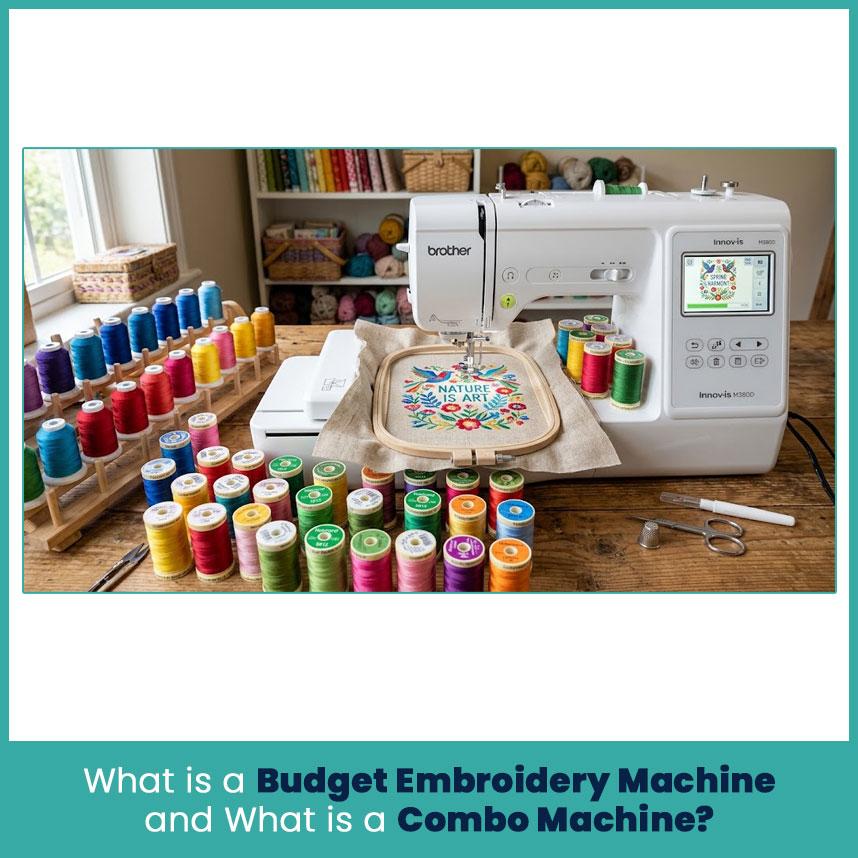
What is a Budget Embroidery Machine and What is a Combo Machine?
Basically, these two machines solve different problems. Let me explain each one in simple words.
Budget embroidery-only machines explained
A budget embroidery-only machine does one job. It stitches designs, nothing else. You can’t hem a pair of pants on it, but you also don’t pay for sewing stitches you never touch.
Brother’s PE535 is the classic starter, with a 4x4 inch hoop. The PE800 steps up to a 5x7 inch hoop, which is the size most people end up wanting. I stitched my first jacket logo on a 4x4 machine and re-hooped it three times. That taught me more about hoop size than any article did.
Here is what a budget machine usually gives you:
A 4x4 or 5x7 inch stitching area.
Built-in designs and fonts (the PE800 has 138 designs and 11 fonts).
A USB port for your own design files.
A lower price tag than a combo machine.
Any Brother PE800 review tells the same story: easy threading, a clear touchscreen, and a roomy hoop. Prices vary by seller, and the listings I found ran from about $600 to just over $1000, so compare before you buy. The newer PE900 adds Wi-Fi file transfer.
Combo sewing and embroidery machines explained
A combo machine sews and embroiders. You attach the embroidery unit when you want to stitch a design, and you take it off when you want to sew a hem. One machine, two jobs.
The Brother SE1900 is a good example. It has a 5x7 inch hoop, 240 built-in stitches, 138 designs, and 10 auto-size buttonhole styles. The smaller SE700 has a 4x4 hoop, 103 stitches, and wireless file transfer.
The trade-off is simple. You pay extra for the sewing half. If you already own a sewing machine, that money goes to waste. If you don’t, a combo saves you desk space and a second purchase.
By the way, Brother backs both the PE800 and the SE1900 with a 25-year limited warranty, so read what it covers before you count on it.
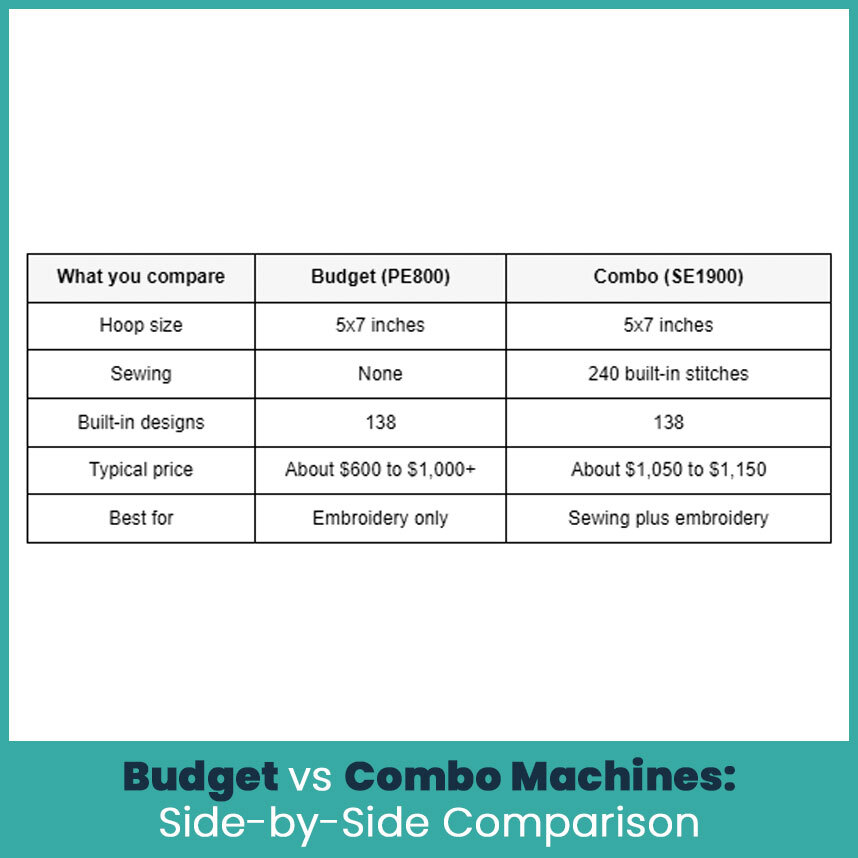
Budget vs Combo Machines: Side-by-Side Comparison
Budget vs Combo Machines: Side-by-Side Comparison
Price, hoop size, and stitch quality
Look at the table and notice something. Both machines carry the same 5x7 hoop, so the price gap pays for sewing, not for better embroidery. In my experience, the same file stitches almost the same on either one, as long as the fabric, stabilizer, and thread match. The file quality matters more than the name on the machine.
Hoop size, on the other hand, changes what you can make. A 4x4 hoop handles names, small florals, and most left chest logos. A 5x7 hoop adds room for tote bags, pillow corners, and bigger patches. Full jacket backs need a much larger machine.
Learning curve and daily usability
Well, budget machines are simpler. One job means fewer menus. The PE800 prints a numbered threading diagram right on the machine, and the touchscreen shows step-by-step tutorials.
Combo machines add mode switching. You swap the embroidery unit and pick the right settings every time you change jobs. It’s not hard, but it adds steps.
A few daily habits matter on both types:
Wind bobbins before you start a design, not halfway through.
Match the stabilizer to the fabric every time.
Keep a small lint brush next to the machine.
After a week, either type becomes second nature.
Software and design compatibility
Brother home machines read PES files for sure, and many also read DST. You load files through the USB port, and the SE700 and PE900 also take files over wireless. Whatever you buy, you still need real stitch files. A machine doesn’t turn a picture into stitches by itself.
PES: the native Brother format and the safest choice.
DST: common in commercial shops, so check it before you stitch.
JPG or PNG: pictures, not stitch files, so they need digitizing first.
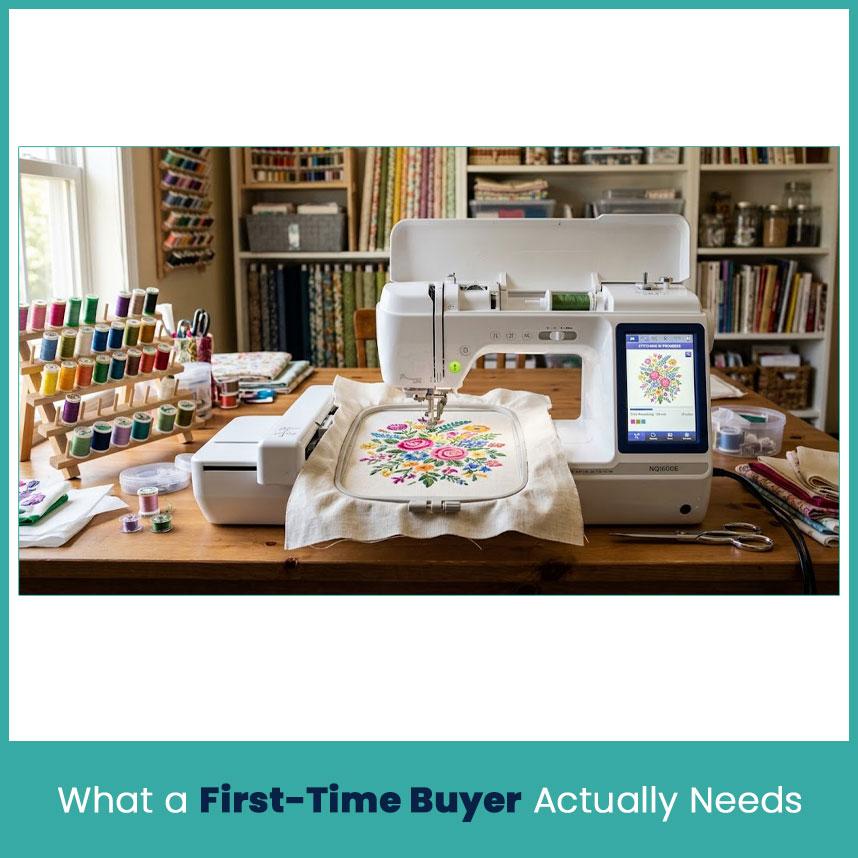
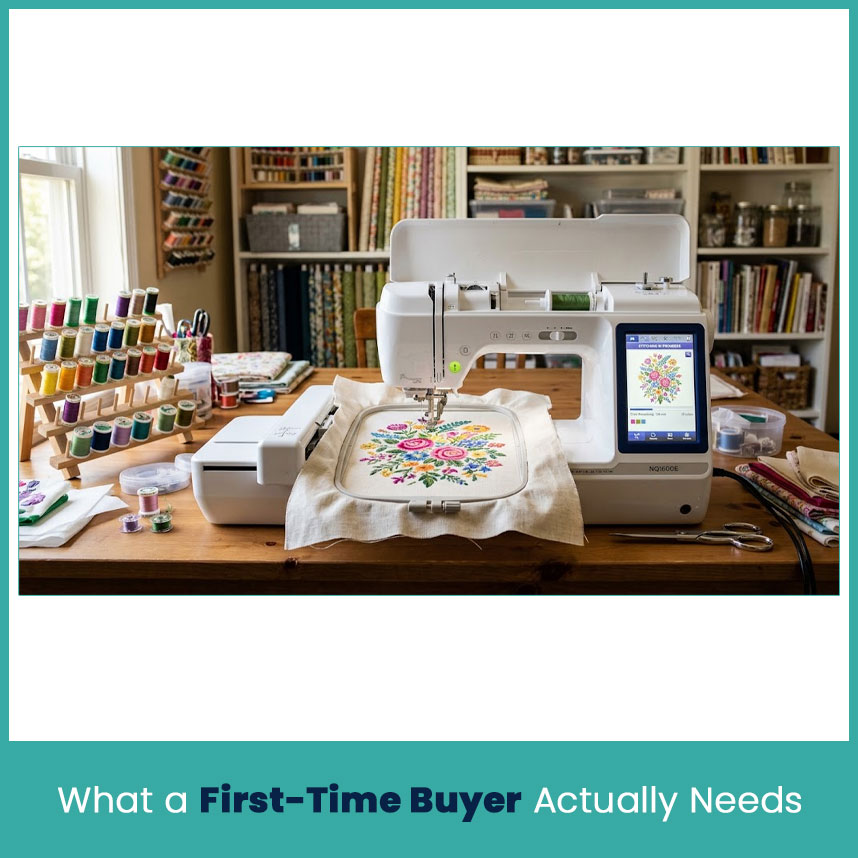
What a First-Time Buyer Actually Needs
Your goal decides the machine, not the price tag. Here are the three goals I hear most. If you want to start a small embroidery business
Start with a 5x7 hoop at the very least. A 4x4 limits the jobs you can take. Eventually you also hit the thread change wall. A single needle machine stops every time the color changes, so a three color logo on a dozen shirts means a lot of babysitting.
Here is how I’d decide:
Choose a budget 5x7 machine if you take a few orders a month and keep your day job.
Plan for a multi-needle machine within a year if orders come in weekly.
Check cap frame availability before you promise hats to anyone.
I’ve watched new shop owners buy a cheap machine, win a bulk order, and lose a whole weekend to color changes. That math rarely works out.
If you want to embroider as a hobby or for gifts
A budget machine fits you well. A PE535 or PE800 covers towels, baby bibs, tote bags, and pillow corners. Names and monograms are the easiest wins, so start there and gradually try bigger designs. Monograms on towels and washcloths.
Small florals on pillowcases.
Patches for jackets and bags.
My first gift was a set of monogrammed washcloths for my sister. The lettering came out clean because I kept the design small.
If you also need a sewing machine
Then a combo makes sense. The SE1900 or SE700 gives you a sewing machine and an embroidery unit in one purchase. Keep in mind that both share one body, so you can’t sew and stitch designs at the same time.
If you sew most days and embroider on weekends, that works fine. If you already own a decent sewing machine, skip the combo and buy an embroidery only model instead.
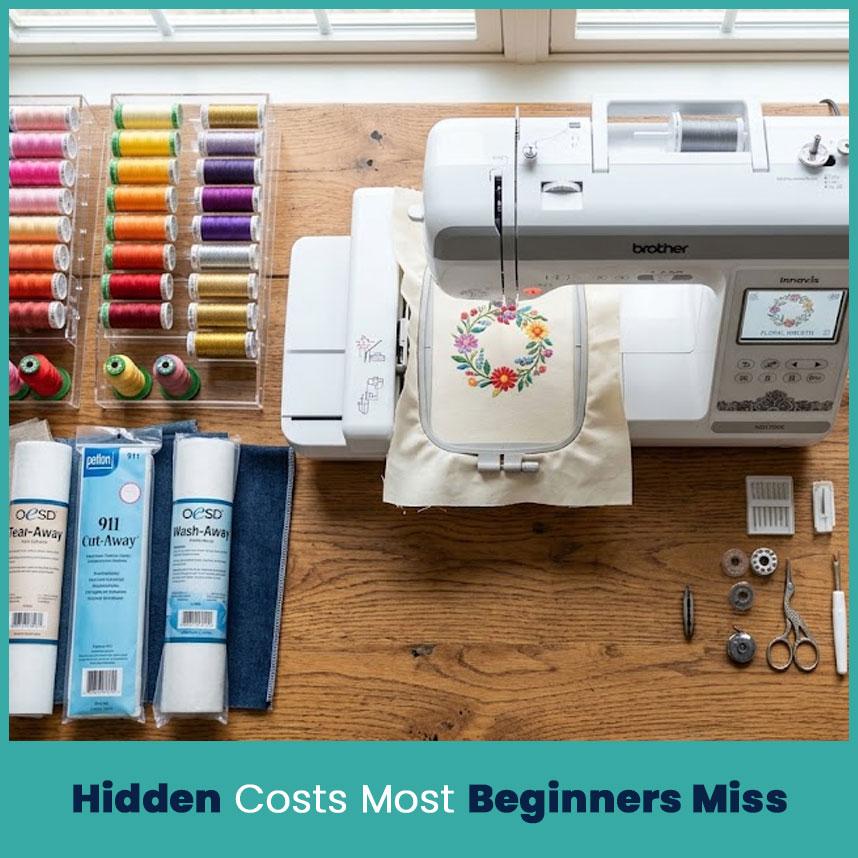
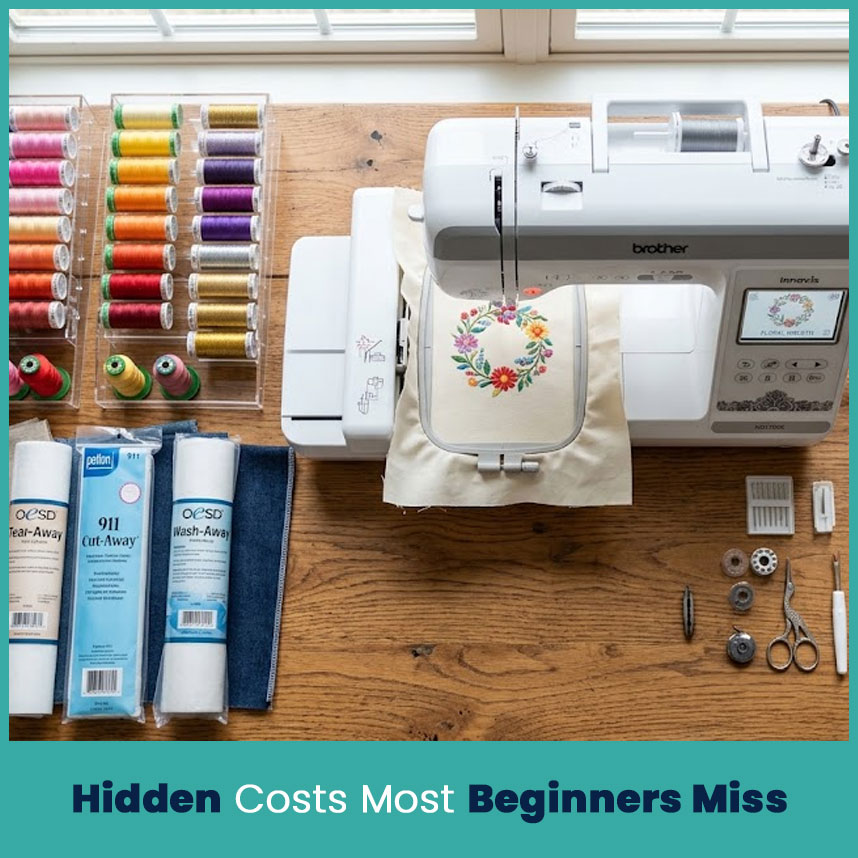
Hidden Costs Most Beginners Miss
The machine price is only the first bill. Pretty sure everyone I know learned this the hard way.
Digitizing software and ready-to-stitch design files
Ready made design files cost a few dollars each, and free ones often stitch poorly. Digitizing software costs hundreds of dollars and takes months to learn. Many beginners pay a digitizing service per logo instead.
Ready-made files: quick, but the choice is limited.
Software: full control, steep learning curve.
Digitizing service: clean files for a per-design fee.
Either way, put a line for files in your budget.
Stabilizers, threads, needles, and hoops
Supplies add up fast. Plan on spending $100 or more for a starter set, and more if you stitch every week.
Stabilizers: cutaway for stretchy knits, tearaway for stable woven fabrics, water-soluble topping for towels.
Thread: polyester embroidery thread in the colors you use most.
Cheap thread breaks more, and one break can ruin a design halfway through.
Maintenance and repair costs
Machines need care. Lint builds up around the bobbin area, and dry parts wear out.
Clean the lint after every few designs.
Oil only the spots your manual lists.
Budget for a yearly service visit once the warranty stops helping.
I pay for a check up each year. It costs less than one repair.
Common Mistakes First-Time Buyers Make
Buying for features instead of real needs
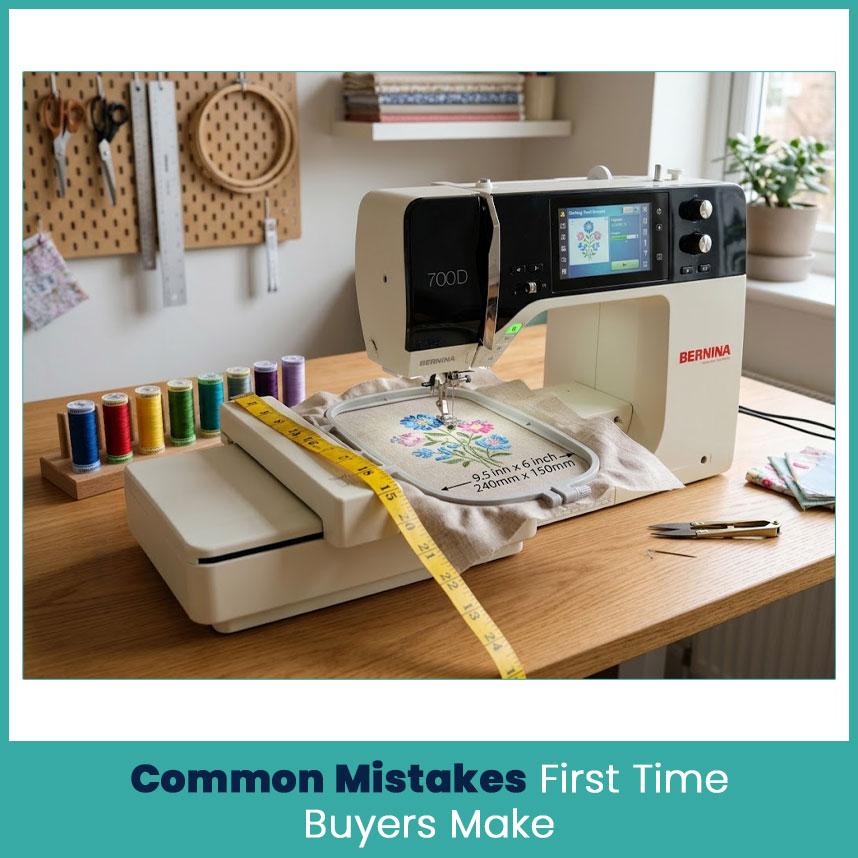
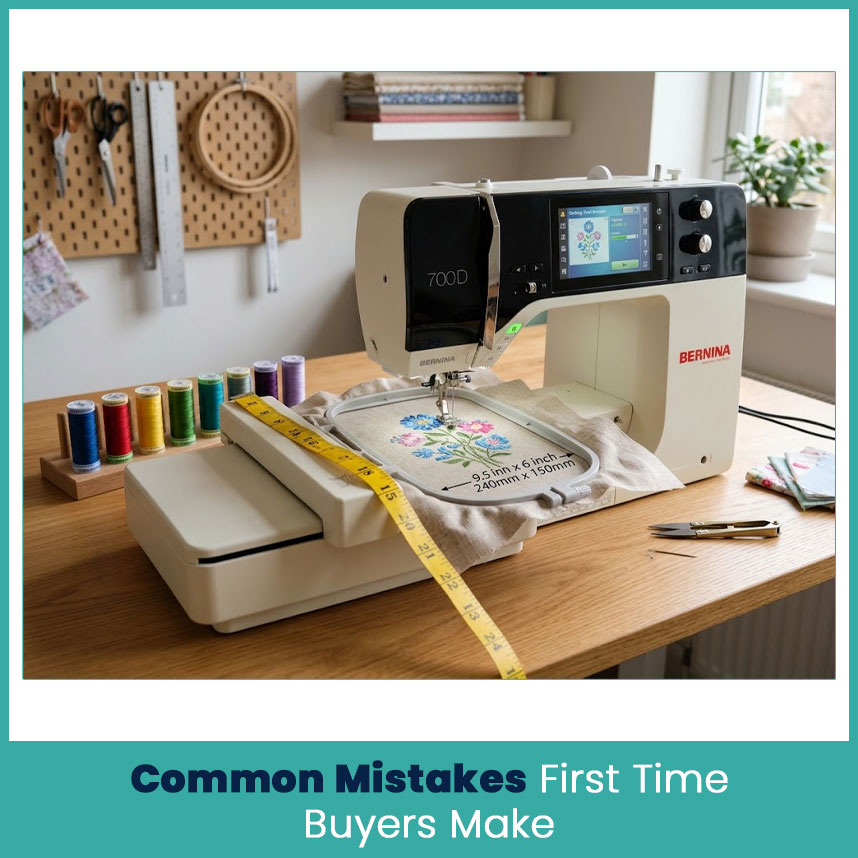
Here is a pattern I see all the time. People search for the best embroidery machine for beginners and then buy whichever one lists the most features. A big screen, hundreds of built-in designs, and 240 stitches look great on the box. Then they stitch the same three designs for months.
Ask one question first: what will I stitch in my first 90 days?
List your first five projects
Measure the biggest design on that list
Buy the machine that fits the list, then upgrade later
Ignoring hoop size limits
Hoop size caps your design size, and no software trick fixes that. A 4x4 hoop stitches a design up to about 4 inches square. A 5x7 hoop handles about 5 by 7. Bigger designs mean splitting and re-hooping, and the seam shows if you misalign even a little.
Check the real stitch area on the spec sheet, since the hoop and the stitch area can differ slightly.
Which One Should You Buy? A Simple Decision Guide
Keep it simple. Match the machine to your next six months.
Hobby and gifts, no sewing needs: PE535 or PE800
Hobby plus regular sewing: SE700 for small designs, SE1900 for bigger ones
Small business starting out: 5x7 hoop at minimum, and plan the step up to multi-needle
Very tight budget: a used 4x4 machine, as long as the seller shows it working
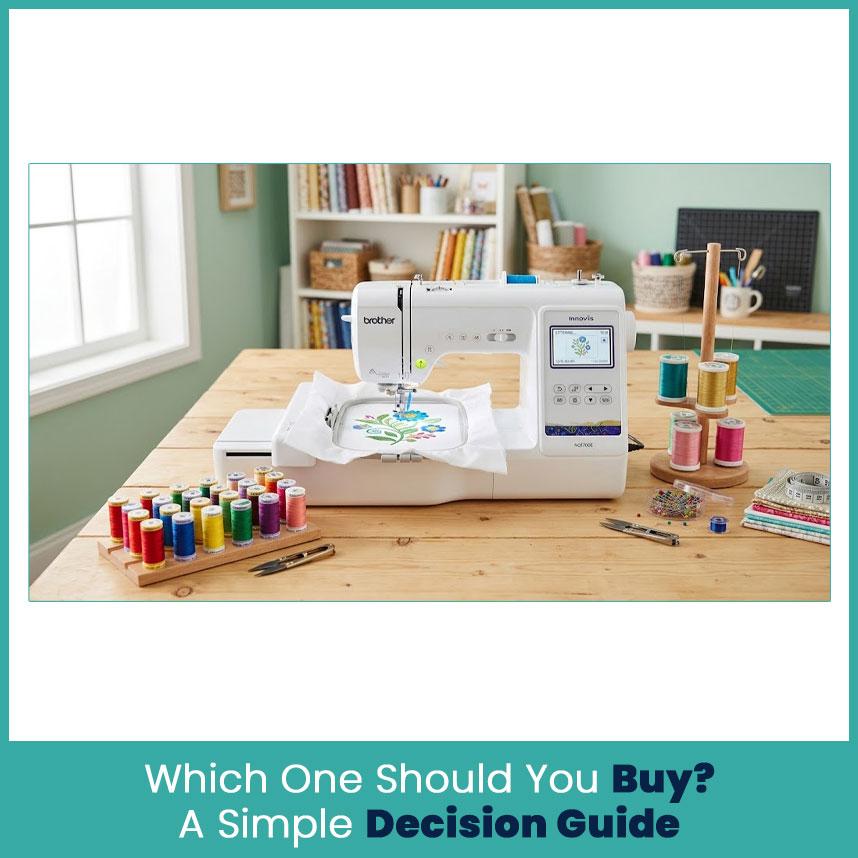
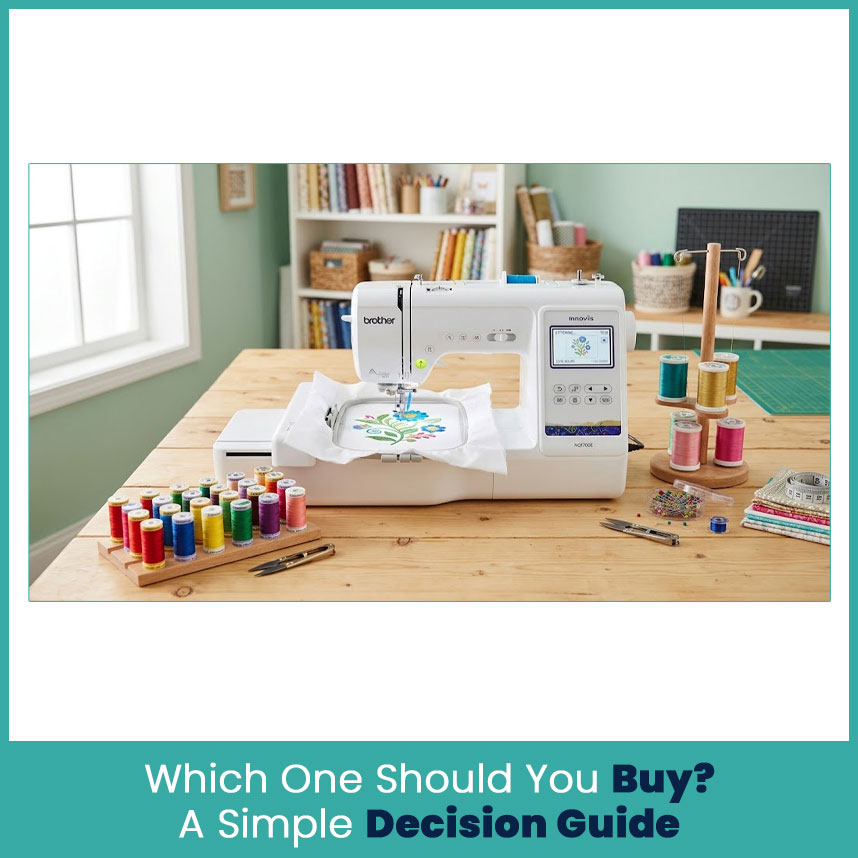
If you want a Brother embroidery machine for beginners and sewing doesn’t matter to you, the PE800 or the newer PE900 is the safest pick. Whatever you choose, definitely budget for files and supplies on day one.
FAQs
1. Is a combo machine good for beginners?
Yes, if you also sew. It saves space and money, but the embroidery side works the same as a budget model.
2. Can a budget embroidery machine handle small business orders?
Yes, for a few orders a month. Once color changes eat your weekend, move to a multi-needle machine.
3. Do I need digitizing software with a beginner embroidery machine?
Not at first. Ready-made files or a digitizing service will cover you, and software can wait until you stitch often.
4. Is it better to buy a budget machine first and upgrade later?
Usually yes, as long as the hoop fits your first projects. Buy a 5x7 if you can, since that’s the size most people outgrow into.
Author Bio Matthew Davis Senior Embroidery Digitizer
I'm Matthew Davis, a skilled embroidery digitizer with more than 15 years of practical experience. I specialize in logo digitizing, 3D puff embroidery designs, applique digitizing, custom embroidery digitizing, and working with difficult fabrics. Over the years, I have worked with different fashion brands and production teams worldwide. I always share simple tips and useful techniques to help both beginners and businesses improve their embroidery work.
Post a reply